

What if I don't want the ball back?
Let them keep it. You can say so after someone tells you they found the ball, or ahead of time when it goes missing during a round.
Someone already told you they found it
- Open the Balls page in your account, scroll to Lost and found, and find their report under the ball.
- Press Let them keep it, then Yes, let them keep it.
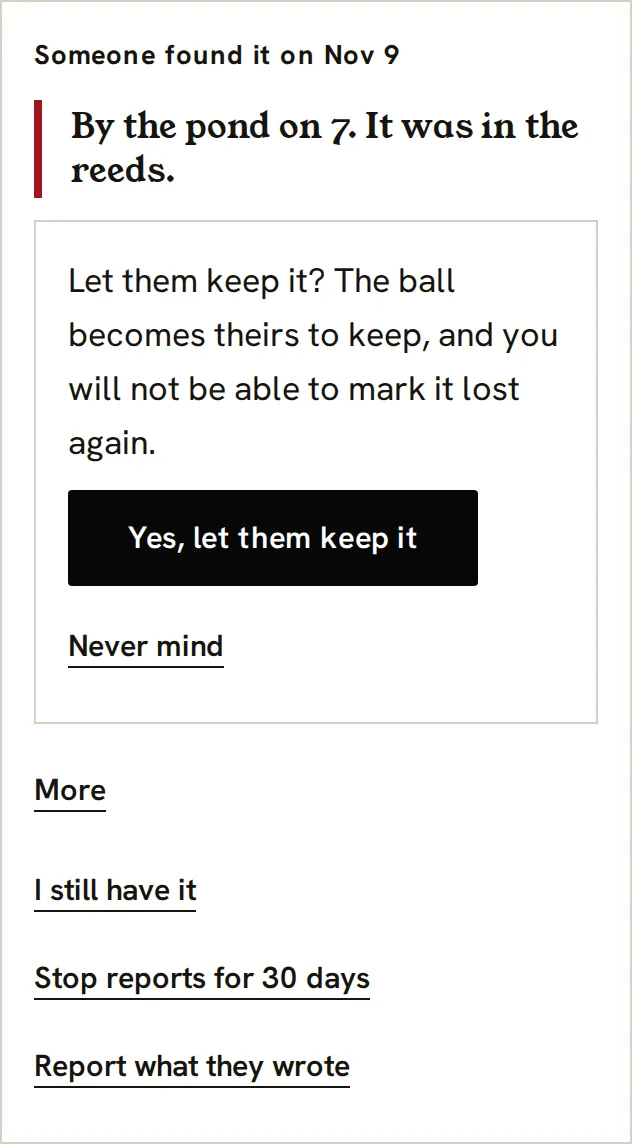
You're asked once before it happens.
The finder, and anyone else who scans the ball, then sees The owner says there's no need to send it back, with Adopt this ball. When one of them presses it, the ball moves to their account and leaves yours, and we email you. You can't mark that ball lost again.
Before anyone finds it
If the ball went missing during a round you scored in Play a round, tick No need to send it back before you press It went missing on the Round saved screen. See A ball went missing during a round.
Anyone who scans that ball then sees The owner says there's no need to send it back, with Adopt this ball, and can adopt it on the spot. They don't have to tell you first, and they can't send you a report. Someone who isn't signed in sees Create a free account and Sign in. Under Lost and found, the ball's card says Let go. This can't be undone.
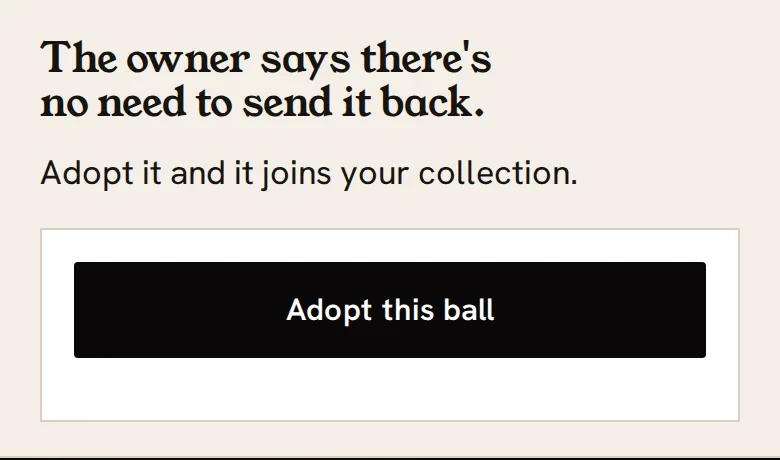
What a finder sees.
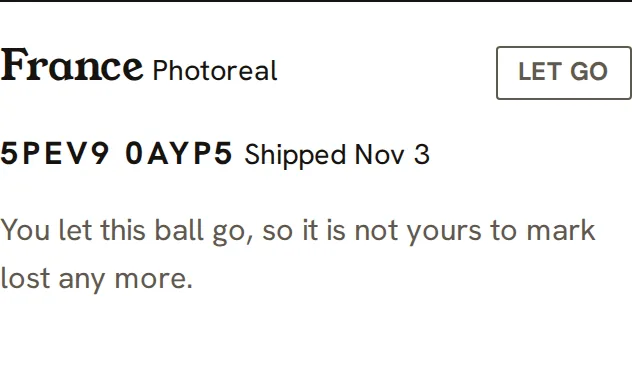
What you see.
It works the same for every ball on your account, whether you bought it yourself, adopted it or were given it. Once someone adopts it, it leaves your account and we email you.
Doing nothing works too
If someone tells you they found it and you don't answer I still have it within 48 hours, they can adopt it. A ball you bought yourself, with the email on your account, can be adopted on the spot by whoever scans it, unless you marked it lost.