

A ball went missing during a round
Tap Lost it here on the hole, then note the ball on the Round saved screen. This is for a ball you lose while keeping score in Play a round. It's a note for your own records, with an optional search party. It doesn't put anything on the ball's own page.
During the round
If the ball is on your card, tap Ball on the hole screen, then Lost it here. Keep playing. If it turns up, tap Found it on the same hole.
After the round
Save the round while you're signed in. The Round saved screen asks Note the ball that went missing? for each lost ball that's on your account.
- If you like, pick how it got away: Water, Brush, Out of bounds, Hiding or Vanished. Tap it again to clear it.
- Leave No need to send it back off, unless you're sure. See below.
- Press It went missing. The row now says where and when, like "Went missing at hole 3 at Fixture Pines Golf Club on Nov 9. Brush."
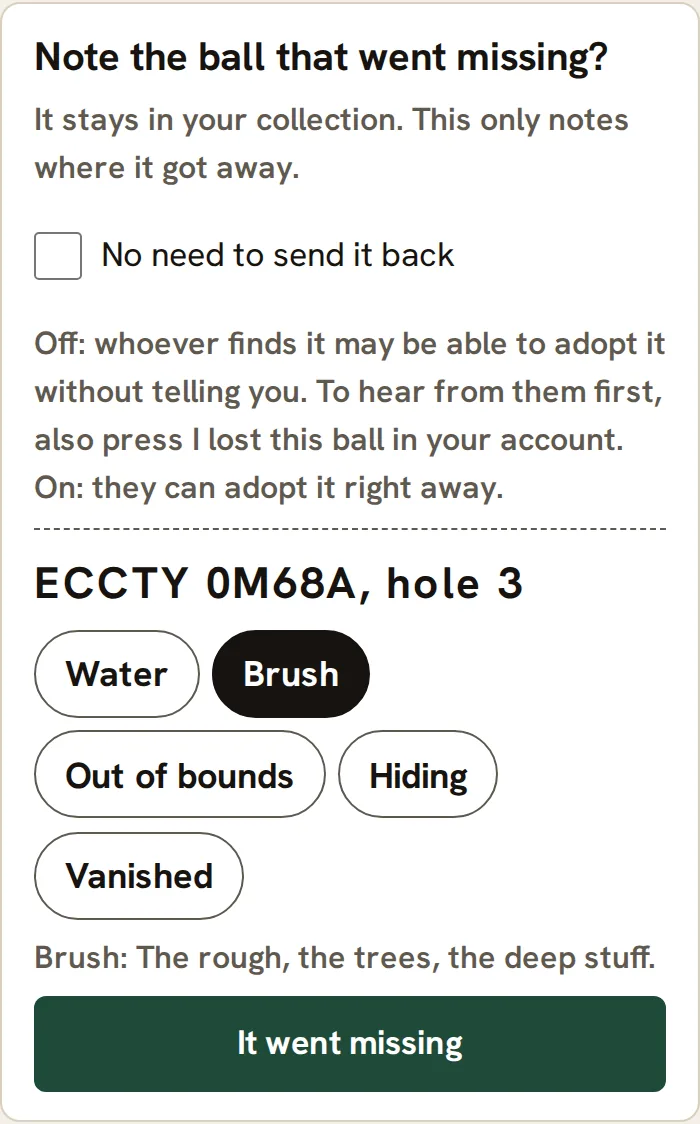
One box covers every ball on the screen.
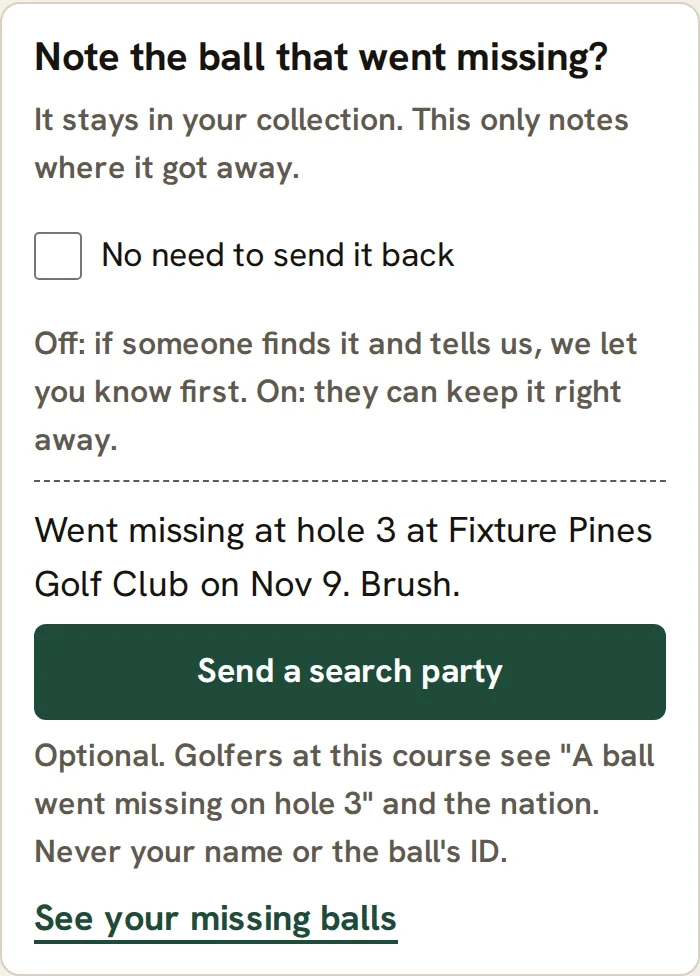
Afterward. The search party is up to you.
No need to send it back
Ticked, anyone who scans the ball is told there's no need to send it back, and can adopt it on the spot. They can't send you a report. It can't be undone, and you can't use I lost this ball for that ball afterward. See What if I don't want the ball back?
Left off, the ball's page doesn't change. A ball you bought yourself can still be adopted on the spot by whoever scans it. For any other ball, a finder tells you first, and can adopt it 48 hours later if you don't say you still have it. To make every finder tell you first, press I lost this ball as well.
Send a search party
A one-line alert on that course's page, with the hole and the ball's nation. Never your name or the ball's code. See What's a search party?
Afterward
The ball is listed under Missing on the Balls page in your account. It stays in your collection. A search party there has Found it and Take it down. If the ball turns up, press Back in the bag.
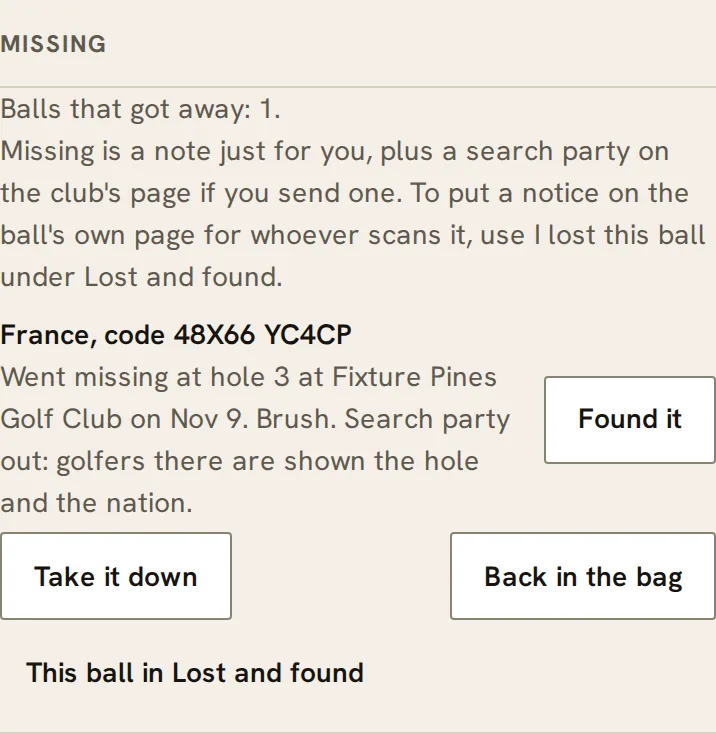
A missing ball on the Balls page, with its search party.
Want finders to know you're looking?
Missing doesn't change the ball's page, and it doesn't stop anyone adopting a ball you bought yourself. Press I lost this ball as well. See Lost a ball? Mark it lost.