

Join the list
Type your email address on the home page and confirm it from the email we send. The list is how we tell you when something new is ready, or when more balls arrive after a nation sells out. You can leave any time.
Joining
- On the home page, find Join the list for new friends. Type your email address and press Join the waitlist.
- The form changes to "Check your email." We send a message called "Confirm your email for the BabelBalls list".
- In that message, press Confirm my email. A page on babelballs.com opens.
- Press Confirm my email again on that page. It says "You are on the list." That's it.
The second press is on purpose. Some email programs open links by themselves, and this way only you can put your address on the list.
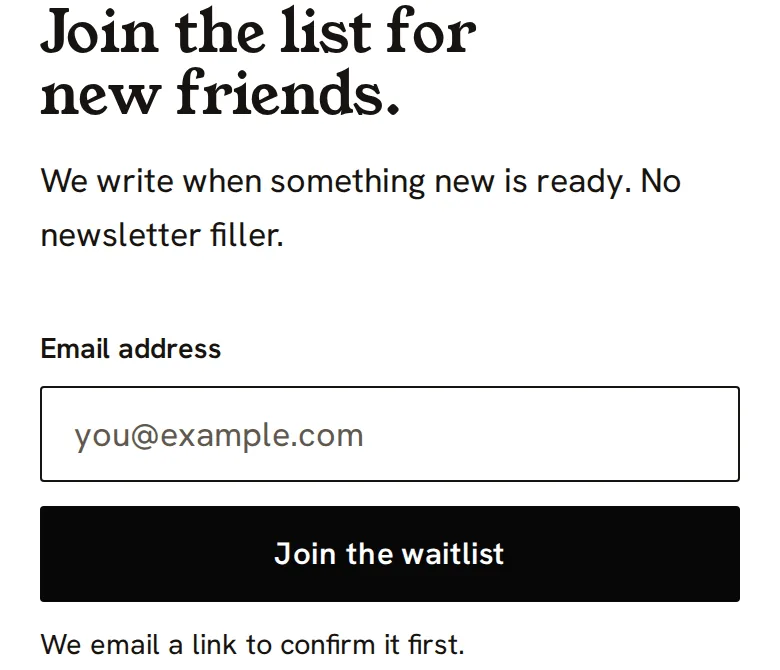
Step 1: the form on the home page.
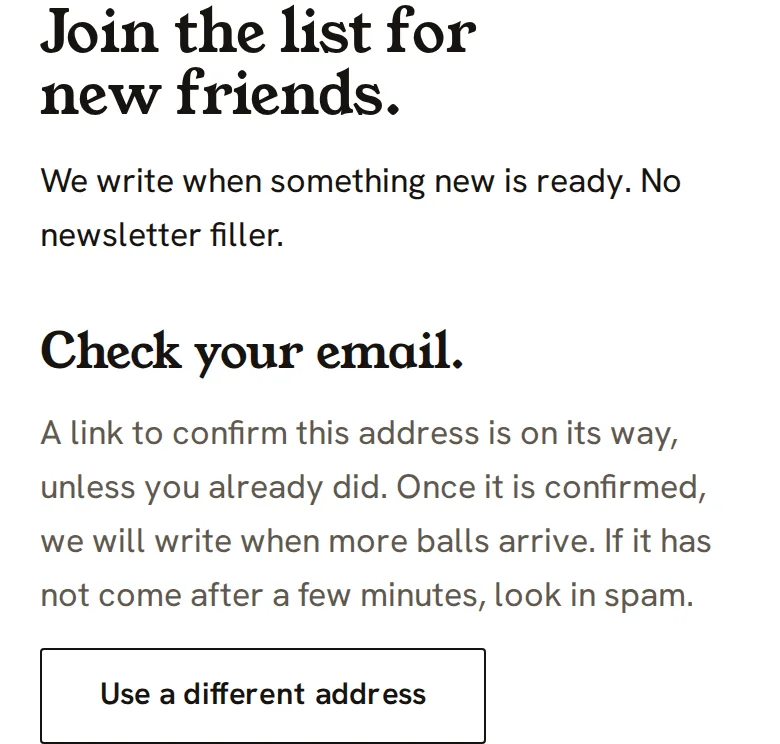
Step 2: what the form says after you press the button.
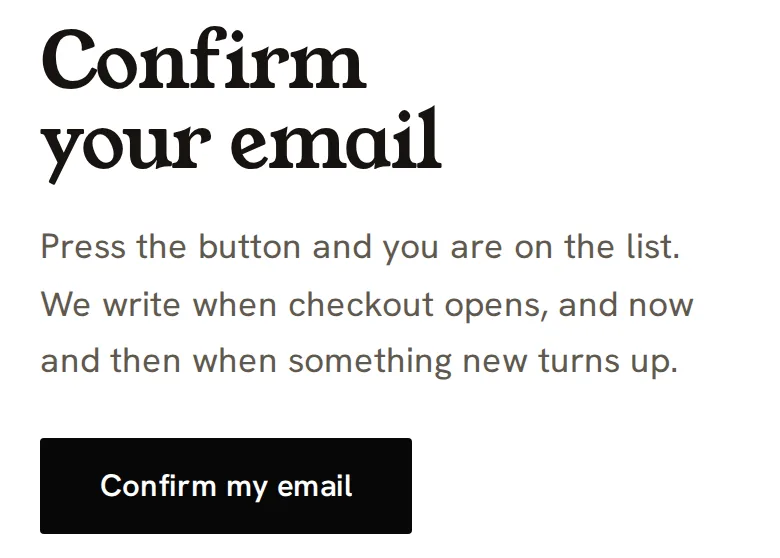
Step 4: the page the email link opens.
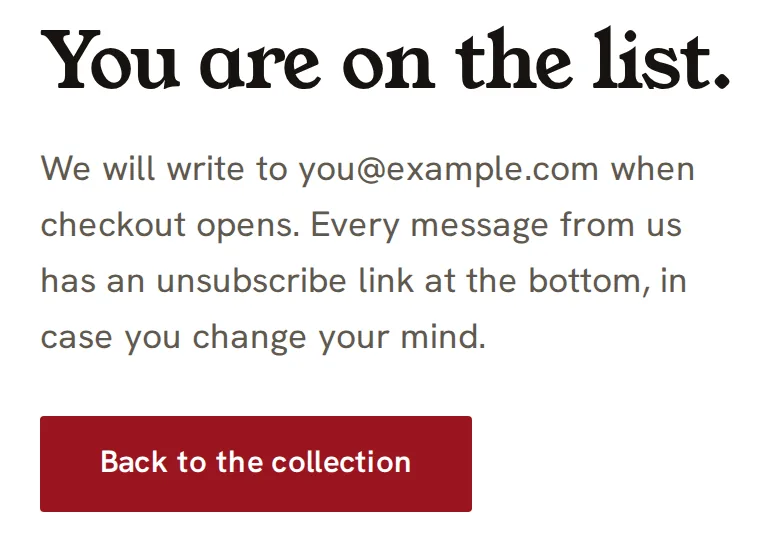
Done.
If something goes wrong
- No email after a few minutes. Look in spam. Typed the wrong address? Press Use a different address and send it again.
- "That link has expired." A link works for 48 hours, and a newer message replaces an older one. Type your address in the form on that page and we send a fresh link.
- "That link was already used." You're on the list already. Nothing more to do.
- "That link does not look right." It may have been cut off when it was copied. Open the email again and press the button there.
Other places you'll find the form
When a nation is sold out, its page says "We write when more arrive. Join the list." If checkout isn't available when you press Check out, your cart offers the same form, and keeps your cart for when you come back.
Leaving
Every email from the list has an unsubscribe link at the bottom. It works without signing in. An address that never confirms is deleted after 30 days.