

What's a search party?
A search party is a one-line alert you can post when a ball goes missing during a round. Golfers at that course see it and can keep an eye out. Nothing is posted unless you press the button.
What it says
Something like "A ball went missing on hole 3 at Fixture Pines Golf Club. Nation: France." Never your name, your account, the ball's code, a photo or the time.
Where golfers see it
- On the course's page, in a box called Balls missing here.
- In Play a round, when someone picks that course: "1 ball went missing here. Keep an eye out."
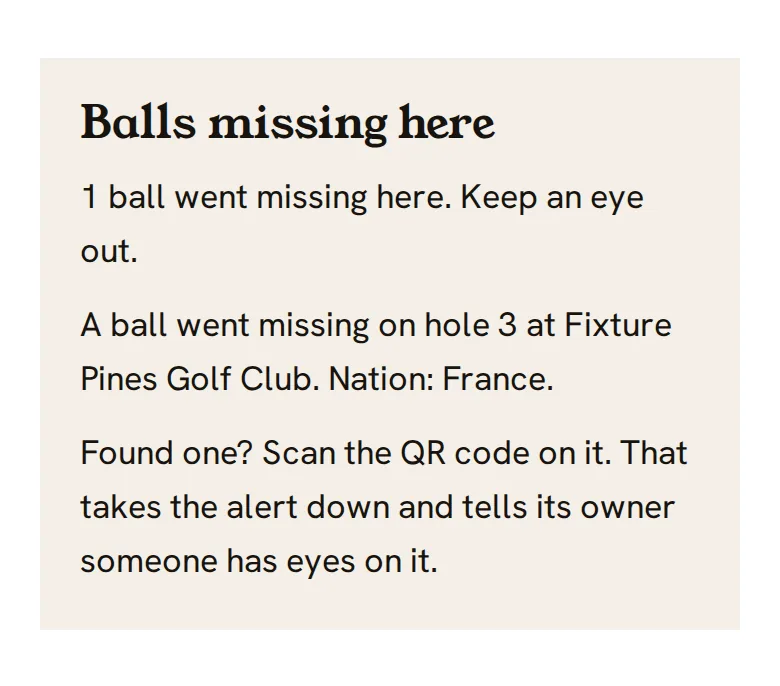
The box on the course's page.
How to send one
- Note the ball on the Round saved screen. See A ball went missing during a round.
- Press Send a search party under it. The row then says Search party sent.
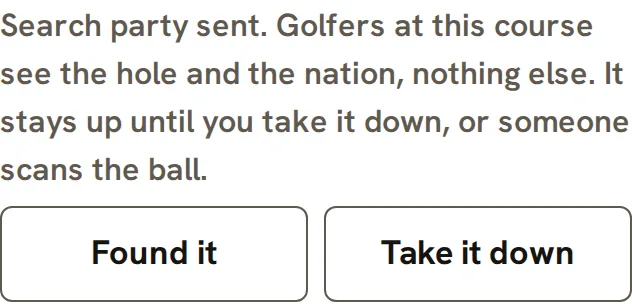
Sent. You can take it down any time.
You need a confirmed email, and a round you started on a course you picked. You can send up to 3 in a day, and have up to 10 out at once.
How it comes down
There's no timer. It stays up until one of these happens:
- You press Found it. The course shows it as found for a day, then it's gone.
- You press Take it down. It's gone at once.
- You press Back in the bag, or put the ball on the shelf. That counts as found.
- Someone else opens the ball's page, by scanning it or typing its code. Your Missing list then says Someone scanned it, so the search party is down. We don't tell you who.
- The ball leaves your account, for example when a finder adopts it.
Found it and Take it down are under Missing on the Balls page in your account.
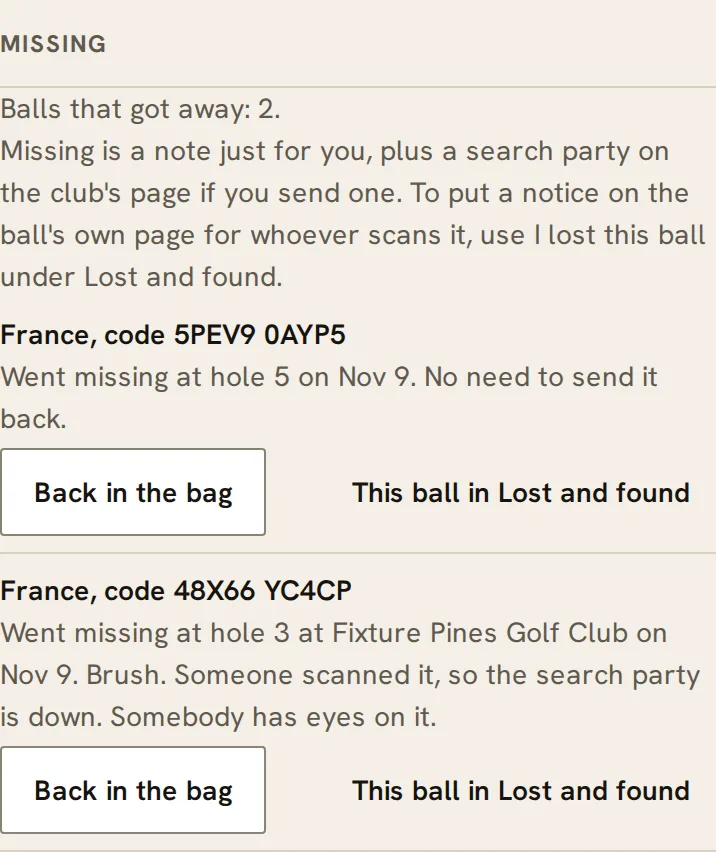
After someone else scanned the ball.
Found a ball from a search party?
Scan it. See Found a BabelBall? Here's what to do.