

Orders
I ordered without an account
That's fine: you don't need an account to buy. Your order emails have everything: the order number, what you bought, the address and, once it ships, the tracking. To see your orders in one place, make an account with the same email address.
See your orders in an account
- Go to Create an account and type the same email address you used at checkout. Or press Continue with Google or Continue with Microsoft, if that account uses the same address.
- Open the email we send and follow the link to confirm your address and choose a password.
- Open Your orders. Every order placed with that address is there, including the ones from before you had an account.
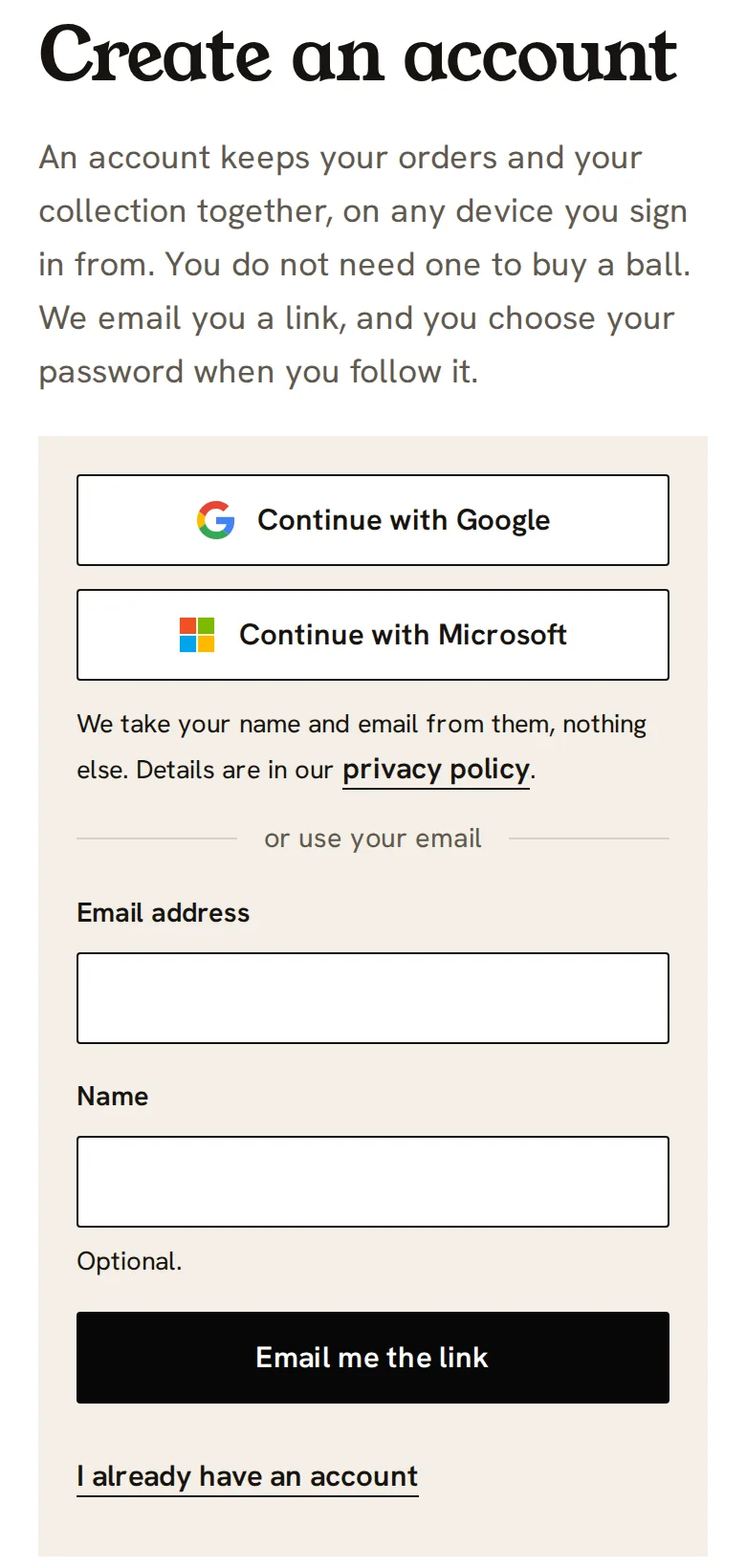
The Create an account page.
Until you confirm your email, Your orders asks you to, and shows nothing else.
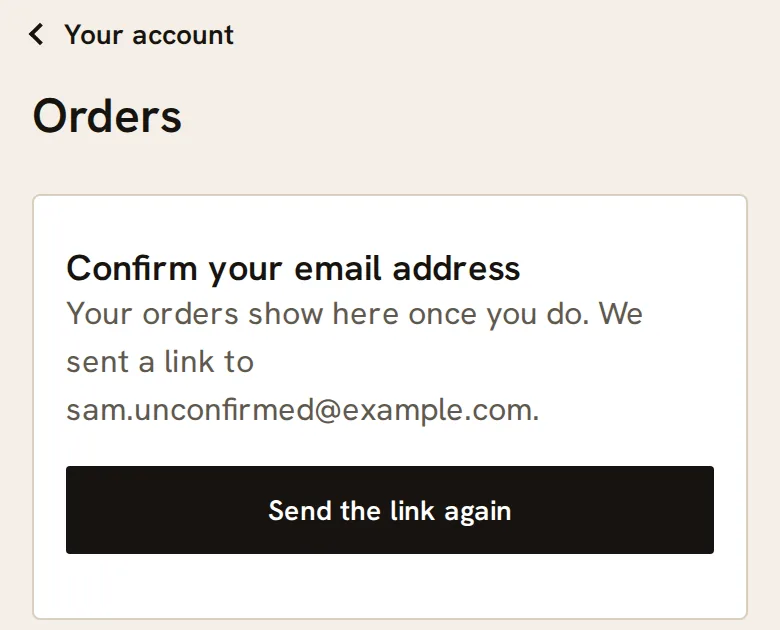
Waiting for you to confirm your email.
Ordered with a different address?
Orders are matched to accounts by email address only, so an order placed with another address won't show. Write to hello@babelballs.com if you need help with it.
What an account is for
With an account you can follow your orders in one place, send a ball back if something is wrong, and adopt your balls, so they're yours in lost and found. See Signing in: Google, Microsoft or a password.
Was this article helpful?
Be the first to rate this article