

Signing in: Google, Microsoft or a password
You can sign in three ways: Continue with Google, Continue with Microsoft, or your email address and a password. They all lead to the same account when they use the same email address.
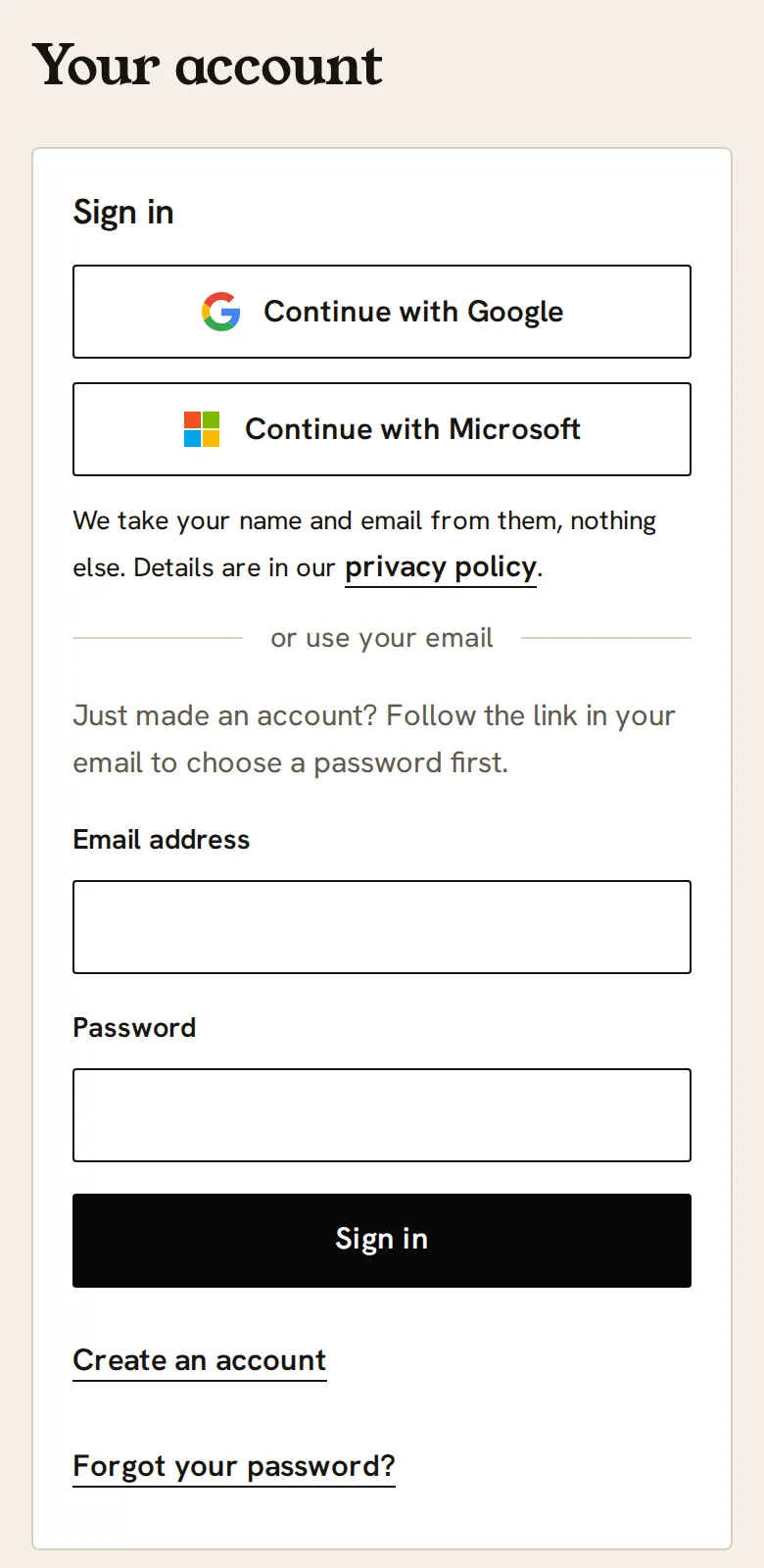
The sign-in page.
Make an account
- Press Create an account. Type your email address (your name is optional) and press Email me the link. Or press Continue with Google or Continue with Microsoft, and you're done.
- Open the email Confirm your email for BabelBalls and press Confirm my email. The link works once and lasts 24 hours.
- Choose a password and press Confirm my email and save my password. That confirms your address and signs you in.
You don't need an account to buy a ball. You do need one, with a confirmed email, to see your orders, send a ball back or adopt a ball.
Google and Microsoft
- We take your name and email address from them, nothing else. They learn that you signed in; what they do with that is in their own policies.
- If a BabelBalls account already uses that email address, Google or Microsoft joins it, and we email you to say so.
- If it's a different address, you get a separate account. Your orders show in the account whose email matches the one you typed at checkout.
Change how you sign in
On Sign-in and security, under How you sign in, you can connect or disconnect Google and Microsoft. Under Password you can change yours, or, if you don't have one yet, press Email me the link to add one. You always keep at least one way in.
- We email you when you connect or disconnect one, with what to do if it wasn't you.
- Disconnecting one signs you out on your other devices. So does changing your password.
Forgot your password?
Press Forgot your password? on the sign-in page, type your email address and press Send the link. The link works once and expires after an hour. If you only ever used Google or Microsoft, the same link lets you add a password.
Something not working? See Trouble signing in.