

Orders
Something's wrong with my order
If a ball arrived damaged, has a fault in the print, or isn't the ball you ordered, tell us from the order's page in your account. You need to be signed in with the email address you ordered with, and to have confirmed it.
Start a return
- Sign in and open Your orders. Press View order on the order.
- Under Something wrong with a ball?, press Send a ball back.
- Pick the ball. Each one is listed with its nation and the code printed under the QR on its back.
- Under What is wrong?, pick It arrived damaged, There is a fault in the print, It is not the ball I ordered, or Something else.
- Under What would you like?, pick A refund or A replacement ball.
- Press Send the request. Each request is for one ball. For another, press Send another ball back.
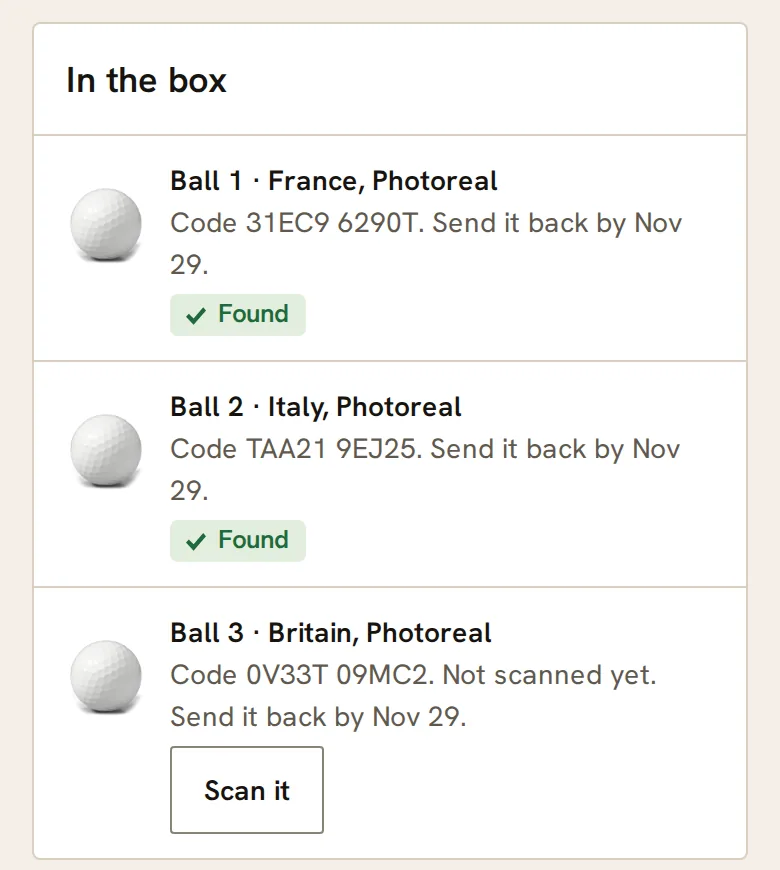
On the order's page, each ball shows its code and the date to send it back by.
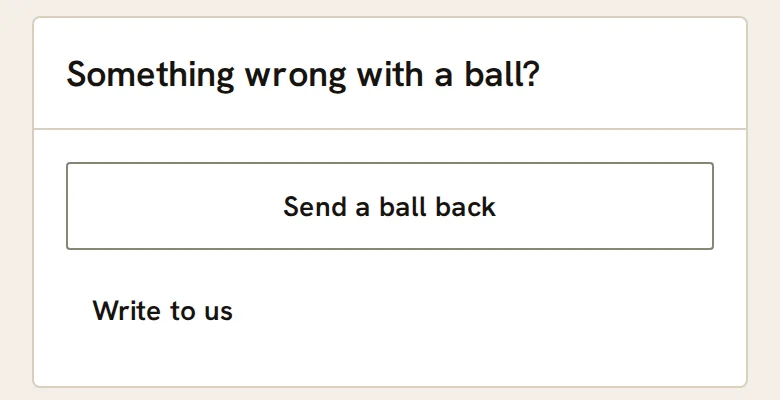
Further down the same page.
What happens next
We read every request ourselves and email you where to send the ball. One of us writes that email, so give it a little time, and check your spam folder. When the ball reaches us, we check that it's the ball from your order. Then we send the refund or the new ball, and email you. See Refunds and replacements.
Damaged? A photo helps. Email it to hello@babelballs.com with your order number.
The ball isn't on the list
- It hasn't shipped yet. Write to us instead. See Changing or cancelling an order.
- Its Send it back by date has passed. Write to us with your order number.
- Someone else adopted it. When someone you gave a ball to adopts it, it's theirs, and it leaves your list. Write to us.
- You ordered with another email address. The list shows only orders placed with your account's email address. Write to us from the address you ordered with.
Something else
- Marked delivered but not there: see It says delivered, but it isn't here.
- The wrong address, or you want to cancel: see Changing or cancelling an order.
- Anything else: hello@babelballs.com, with your order number.
Was this article helpful?
Be the first to rate this article