

Adopt a ball
Adopting a ball puts it on your account, so it shows on your Balls page and lost and found can reach you if it goes missing. You need a BabelBalls account with a confirmed email.
The whole box at once
- Point your phone's camera at the Start here code on the packing slip, or hold your phone to the tag on the box.
- Type the end of the code printed on any ball in the box. The screen says how much.
- Press Adopt these balls. Every ball in the box is now yours. No account yet? The same page lets you make one first, and brings you back.
More in Tap a tag.
One ball at a time
- Scan the QR code on the back of the ball.
- Its page says This ball can be adopted. Press Adopt this ball. If you're not signed in, the page shows Create a free account and Sign in.
- Its card turns over: tap it, or press Turn it over. Learn more opens the ball's page, which now says Adopted by you.
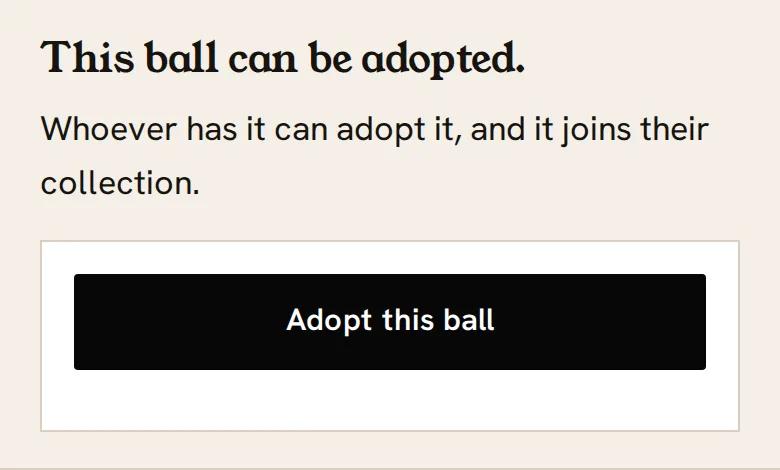
Signed in: one press.
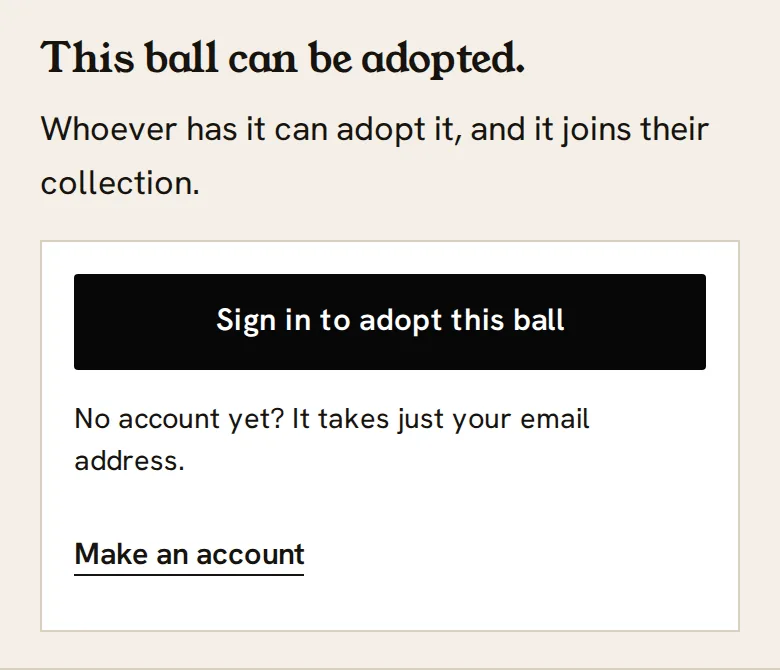
Signed out: sign in first.
Giving them as a gift
Pass the box along. Whoever holds it can adopt the balls, even if you, the buyer, adopted them first. If someone else adopts a ball from your order, we email you to say so. We never say who.
Once someone else adopts a ball, it's theirs. It leaves your Balls page, and you can't send it back from your account any more. If something is wrong with a ball you gave, write to hello@babelballs.com.
The same holds for a ball you keep: a ball you bought can be adopted by anyone with an account who scans it, until you press I lost this ball. See Lost a ball? Mark it lost.
A ball we handed you
Now and then we hand out a ball to show people what this is. Nobody bought it, so it's waiting to be adopted like any other. If you're holding one, it can be yours.
No Adopt button?
Someone else already owns that ball, or its owner marked it lost. If you found it, see Found a BabelBall? Here's what to do.