

Your account
Your balls
The Balls page in your account shows every ball that's yours. A ball shows up there once it's in your collection: adopt it from the tag on the box or from the ball's own page.
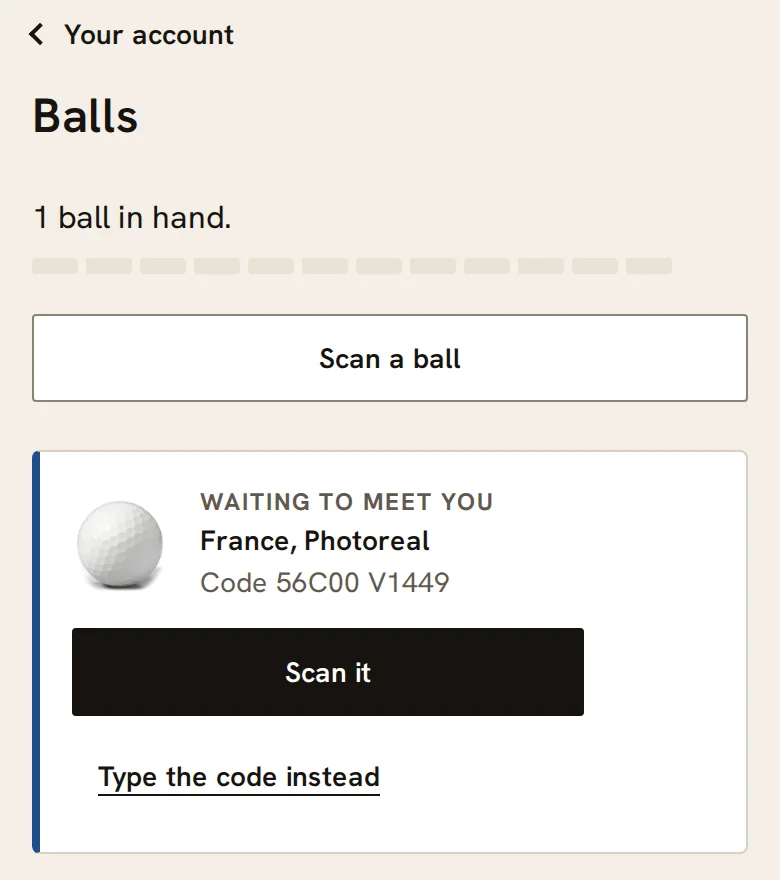
A ball waiting to be scanned.
What's on the page
- Waiting to meet you. Balls that are yours but haven't been scanned yet. Each shows its nation, its style and its code. Press Scan it, or Type the code instead if the camera won't read it. A ball you adopted whose card you haven't turned over yet shows Reveal instead: press it to turn the card.
- A card for each nation. It shows the characters you've met there. Scan a ball and its character joins. We don't show who you haven't met.
- Missing. Balls you noted went missing during a round, with any search party you sent. It's a note for you and doesn't change the ball's page. It shows only when there's one. See A ball went missing during a round.
- Retired. Balls you took out of play and kept, worn out or on the shelf. Use Retire a ball to add one. Everyone you met on it stays met, and you can bring it back any time.
- Notes for you and Balls that moved on. When someone adopts a ball that was yours, you can send them one short note, picked from a list. Notes sent to you show up here too.
- Lost and found. Press I lost this ball to put a notice on a ball's page, and read what a finder wrote. See Lost a ball? Mark it lost.
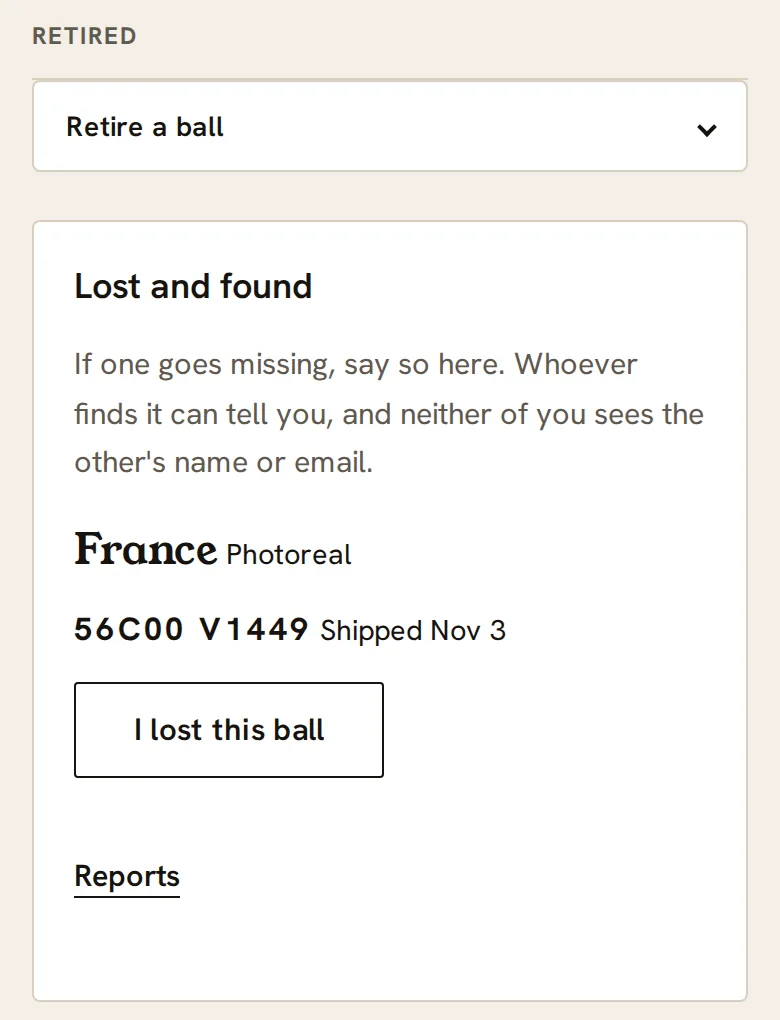
Retired, and lost and found, further down.
Not sure which of Missing, Marked lost and Retired you want? See Missing, marked lost or retired: which is which.
Where your collection is kept
In your account, and on the phone you scan with. Signing out clears the copy on that phone. The one in your account stays.
A ball is missing from the page
It isn't on your account yet. Adopt it from the tag on its box or from its own page. If the page says someone else owns it, see Found a BabelBall? Here's what to do.
Was this article helpful?
Be the first to rate this article