

Trouble signing in
Most of the time, asking for a fresh link fixes it. Here's what each problem means and what to do.
The email never came
- Look in spam, junk and promotions, and search your inbox for BabelBalls.
- Check the address you typed. A typo sends the email somewhere else.
- Ask again. For a new account, go to Create an account, type the same address and press Email me the link: if the account was never confirmed, we send a fresh link. For a password, use Forgot your password? again.
We send only a few of these emails an hour to the same address. If you've asked several times, wait an hour before asking again.
Forgot your password? sends an email only to an account that exists and has been confirmed. If you never confirmed yours, use Create an account again instead.
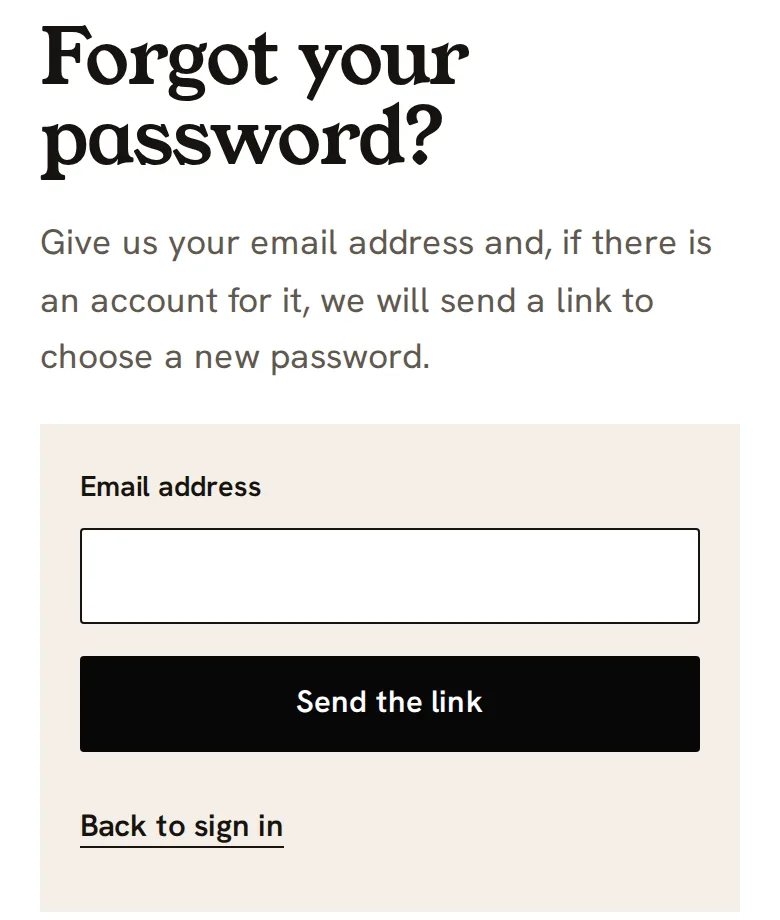
The Forgot your password? page.
The link didn't work
Each link works once. A confirmation link lasts 24 hours, and a password link lasts an hour. If yours ran out or was already used, ask for a new one as above.
Just made an account? You can't sign in with a password until you've followed the link in the email and chosen one.
Google or Microsoft didn't sign you in
- We couldn't confirm your email with Google (or Microsoft). Sign in with your email and password, then connect Google or Microsoft on Sign-in and security. No account yet? Create one with your email first.
- Use your password this time. Sign in with your email and password once, then connect Google or Microsoft from your account page. After that, one tap will do.
- That sign-in expired. It took too long, or it was already used. If you just signed in, you're all set. If not, start again.
Too many tries
If the page says Too many tries, wait a few minutes and try again. If you've forgotten your password, reset it instead of guessing.
Two accounts, or the wrong email
Signing in with Google or Microsoft under a different address than the one you use with a password makes a second account. Orders show only in the account whose email matches the one used at checkout.
There's no button to merge two accounts or to change the email address on an account. Write to hello@babelballs.com with both addresses and tell us what you need.