

Getting started
Why the tag asks you to type a bit of the code
Type the end of the code printed on the back of any ball from that box, from the group under the QR code. The screen says how much. Capitals and spaces don't matter, and you can type a letter O for a zero and an I or an L for a one.
Why it asks
The tag is on the outside of the box. Anyone who walks past the box, on a porch or in a mailroom, could tap it. The code on a ball is inside, where nobody can read it through the packaging. Typing a bit of it shows the box has been opened by whoever has the balls, so their pages stay private until then.
What typing it does
- It opens the balls' pages in that browser, on that phone, for 10 minutes. After that the tag asks again.
- It doesn't change who owns a ball. Adopting is its own button. See Adopt a ball.
- We don't keep what you type.
If you get it wrong
- The page says That is not it. Check the code on the ball and try again.
- After five wrong tries the page says Resting for an hour, and it takes no codes for an hour. The QR code on each ball still works the whole time.
- If a lot of wrong codes come from your connection, the page says That is a lot of tries. Scan the QR code on a ball instead.
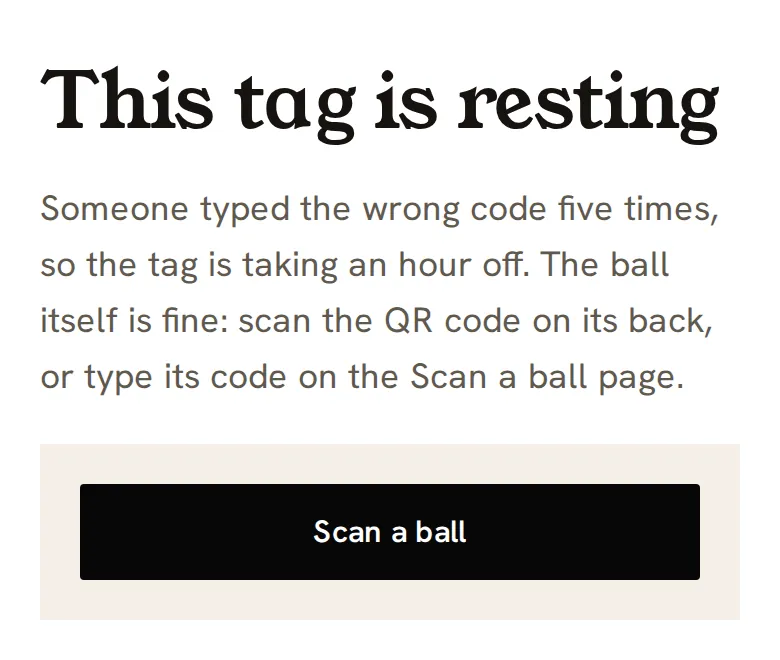
A resting tag. Scan the ball's QR code instead.
The QR code on a ball never asks for anything. See Scan your ball.
Was this article helpful?
Be the first to rate this article