

Shop
Checking out and paying
You don't need an account to buy. You check your cart on our site, pay on Stripe's secure payment page, and land back on our Order received page.
Step by step
- Open your cart. Check each product, its style and its quantity. Use the minus and plus buttons to change a quantity, or Remove to take a line out.
- Have a promo code? Type it in the Promo code box and press Apply now. The payment page has no box for it.
- Check the Subtotal, any Discount, Shipping and the Total. Sales tax comes on the next page. If your cart shows a choice under Shipping, pick Standard or Expedited here: the payment page has no choice of its own.
- Sending it to someone else? Tick This is a gift. See Sending BabelBalls as a gift.
- Press Check out. You move to Stripe's payment page.
- Fill in your email address, the shipping address, your card and your billing address. The page shows any sales tax and the final total before you pay.
- Pay. You land on our Order received page.
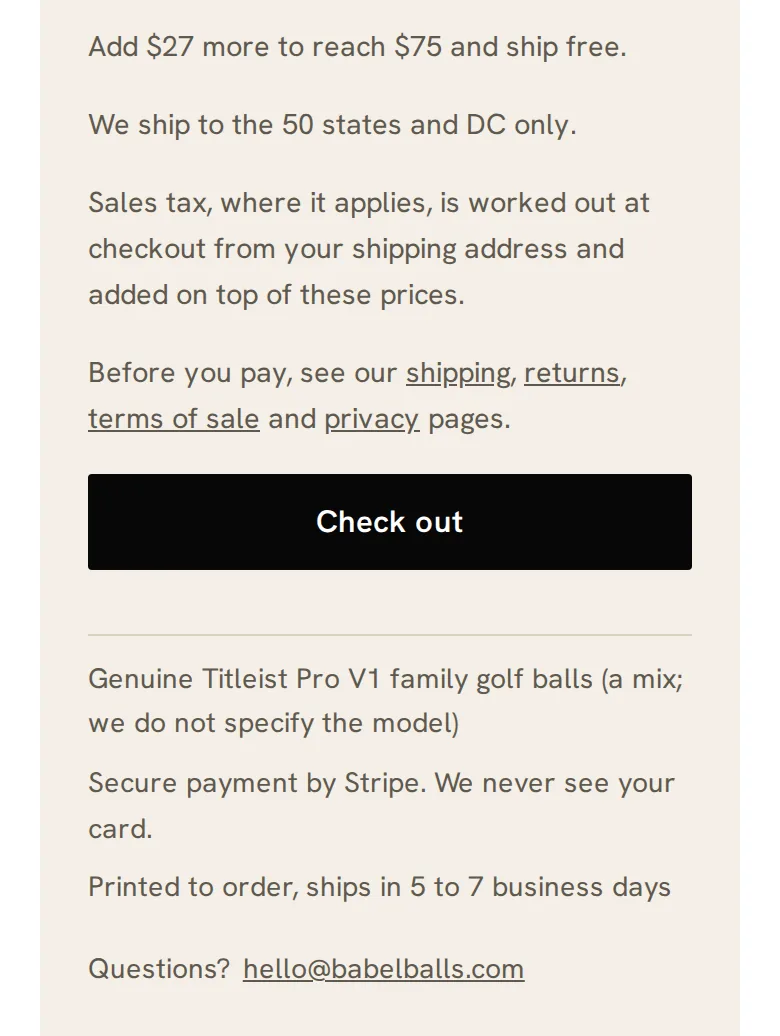
The Check out button is at the bottom of the cart summary.
How you pay
By card, on Stripe's checkout page. Stripe takes the payment and works out the tax. Your card details go to Stripe, never to us. The cart says the same: "Secure payment by Stripe. We never see your card."
After you pay
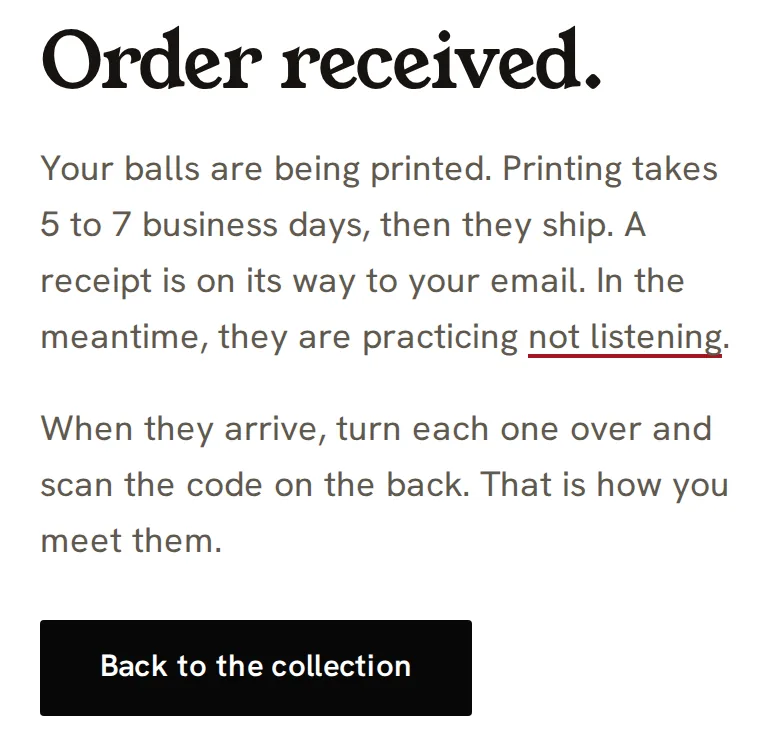
The Order received page.
- The Order received page says your balls are being printed. Printing takes 5 to 7 business days, then they ship. Your cart empties.
- The same page has an optional box for a mobile number, so the carrier can text you when it ships and when it's delivered. You can leave it blank.
- We email an order confirmation. Its subject starts Your BabelBalls order and has your order number. See The emails we send about an order.
- To see the order in an account, make one with the same email address. See I ordered without an account.
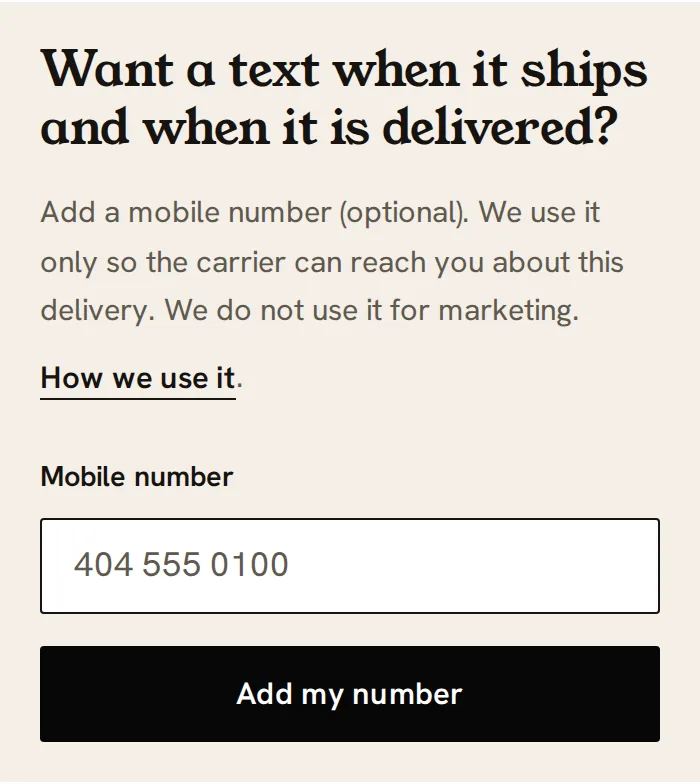
The optional text-message box on the Order received page.
If checkout doesn't go through
- You left the payment page. Going back takes you to your cart, with everything still in it.
- "Checkout got lost in translation." Something failed before the payment page opened, so nothing was charged. Press Check out again, or write to hello@babelballs.com and we'll sort the order out by email.
- "Checkout is not available right now." We can't take orders at that moment. Your cart is kept, and you can join the list to hear when you can. See Join the list.
- A message about your promo code. See Promo codes.
Was this article helpful?
Be the first to rate this article